
How to Search Cases by Name
For a Stevens County case lookup by name, use Minnesota Court Records Online and its public Case Search. Pick Name as the mode. Then choose Exact Name or Sounds Like. Fill in the last, first, and middle name fields you have. Filters for Date of Birth, Date Filed, category, status, and location help only when they separate one record from many similar ones. Want a local District Court record rather than a statewide list? Choose Stevens County from the S county picker before running the search.
- Open MCRO Case Search and select the Name tab.
- Choose Exact Name for a precise spelling or Sounds Like for phonetic variants.
- Enter the known name fields, then add date or category filters only when supported by the information in hand.
- Select Stevens County under the specific county location controls.
- Open a matching Case Details result and read the Register of Actions and eligible document links separately.
| Field label | Type | Required | Stevens lookup note |
|---|---|---|---|
| Last, First, Middle Name | Text | Not marked required in the captured screen | Preserve spelling and try the alternate mode when needed. |
| Name Type | Choice | Choose one | Exact permits a trailing wildcard after two characters; Sounds Like does not. |
| Date of Birth | Date | Optional | Use an exact date or range in MM/DD/YYYY format when available. |
| Date Filed | Date | Optional | Use exact date or range to reduce results. |
| Category and County | Filters | Optional | Civil, Criminal, Family, or Probate or Mental Health; select Stevens under S. |
Stevens County Case Lookup Name Modes
Exact Name and Sounds Like are different tools. Exact accepts a wildcard after at least two characters. Sounds Like returns phonetic and similar variants but allows no wildcard at all. To pull a Stevens County record out of a broad statewide name match, add a date of birth filter, a filing-date range, or the Stevens location filter. One habit pays off: clear the form before switching strategies, since a leftover category or date limit can quietly shrink the next search.
A category is just a search classification. Civil, Criminal, Family, and Probate or Mental Health filters point you toward a lane in the system, but the Register of Actions holds the actual listed case information for any public result. Treat the status options the same way. They are labels on the record, not a substitute for reading the case history itself.
How to Search by Case Number
Switch to Case Number mode when a notice, calendar, court paper, or earlier search gives you the complete court file. Stevens County numbers commonly start with the county code 75. The Judicial Branch breaks the identifier into county number, case type, year, and filing position. Local calendar examples include 75-CR-26-..., 75-CV-26-..., 75-FA-25-..., 75-PR-24-..., 75-JV-26-..., and 75-VB-26-....
Never rebuild a number from partial memory. Keep the county prefix, code, year, and hyphens exactly as written. Older or transferred records can look different. Accuracy matters most in Document Search, since that tool requires an Enter Case Number field and offers none of the public name-search controls found in the main Case Search.
Stevens County Case Lookup Number Codes
The case type segment hints at which court category is involved. It does not settle public access or any case result on its own. Locally, CR is a common criminal code. CV is civil. FA is family, PR is probate, JV is juvenile, and VB shows up for traffic or violation-style matters. The official calendar lists these as examples. They are not a fixed code list covering every file.
- 75
- The county number used in common Stevens court file examples.
- CR
- A common code for criminal matters.
- CV
- A common code for civil matters.
- FA, PR, JV, and VB
- Common local examples for family, probate, juvenile, and traffic or violation-style files.
Case number search proves its worth when a pending criminal, traffic, or petty-misdemeanor matter has no conviction behind it. A defendant-name search simply will not surface that case.
What a Case Search Shows
A public MCRO result opens into Case Details, the Register of Actions. Expect the court file number there. Public case title, category, filed date, event history, and available documents appear too. Which fields display depends on the record and the access rules. Keep one caution in mind. A result never certifies that the court file exists. It may be incomplete or closed to restricted access without any notice in the result itself.
| Case Number | The full court file identifier, commonly beginning with 75- for Stevens. |
|---|---|
| Case Details | The MCRO result view containing the Register of Actions and public result information. |
| Case Category | A classification such as Civil, Criminal, Family, or Probate or Mental Health. |
| Filed Date | The recorded date field that can also be used as a search filter. |
| Register of Actions | The chronological history of listed filings, proceedings, and events. |
| Documents | Links to eligible public documents when remote access permits them. |
Stevens County Case Lookup Results
MCRO costs nothing to use, and standard public searches require no portal registration or login. The convenience still has limits. The MCRO terms state plainly that online results are unofficial and may be incomplete. They do not certify that a record exists or that a result holds every document. For a certified copy, go through Court Administration. An exemplified copy or a certified local judgment search goes there too.
When a result appears, keep the three layers straight. The Register of Actions is the chronological record. The document file is separate; the calendar is separate again. An event entry can show that something happened in the court record. Yet it may lack the full text of the public order. A calendar listing means a hearing is scheduled, nothing more, and no final outcome either.
County vs Statewide Case Search
MCRO is a statewide Minnesota trial-court tool. The county filter focuses that system. It is not a separate Stevens portal. If the court file should be local, select Stevens County from the picker. Stay statewide only when the county is unknown or a wider trial-court check makes sense. Appeals live elsewhere, in the separate Minnesota appellate search rather than the MCRO database.
| Statewide MCRO search | Stevens-focused MCRO search |
|---|---|
| Searches participating Minnesota trial-court locations. | Uses the same system with Stevens selected under the S county picker. |
| Useful when the filing county is unknown. | Useful for a known Stevens court file or local party search. |
| Can return broader name results. | Reduces unrelated county results. |
| Does not cover Minnesota appellate cases. | Does not replace a certified local record request. |
Stevens County Case Lookup Tools
MCRO gives the public four separate tools, and each one answers a different question. Case Search works from a name, case number, citation, or attorney. Document Search needs a full case number before it will pull eligible public documents. Hearing Search covers scheduled settings by name, number, judicial officer, or attorney. Judgment Search tracks docketed judgment information. It works through a debtor name and docketed date. Pick the tool that matches the record you need rather than clicking through all four.
Chasing a court date in Stevens County? Hearing Search lets you narrow by exact or ranged dates. You can also narrow by category. The Stevens location filter helps too. When a judgment needs official confirmation, the route is different. Minnesota Statutes section 485.06 lays out the court administrator's exact-name search and how certification works. The portal's judgment result does not carry that certified weight.
Restricted Cases and Access Rules
Minnesota Rule 8 governs what the public can reach in court records. It also governs what stays out of remote view. Protected categories simply do not appear in search results. That includes party street addresses, telephone numbers, financial-account numbers, and details identifying jurors, witnesses, and victims. Orders for protection, harassment restraining orders, CHIPS cases, some juvenile matters, civil-commitment material, sealed records, and certain family filings carry additional boundaries.
A case number alone will not unlock a sealed or confidential record. Authorized access runs through a court process, sometimes the CON100 or CON101 forms. An empty online result is ambiguous. It may mean the record is restricted. It may not be entered yet. Or the case is absent from the portal, or simply not found under the terms you typed. Those outcomes are not the same.
The sealing framework for eligible matters comes from the official Minnesota expungement statute.
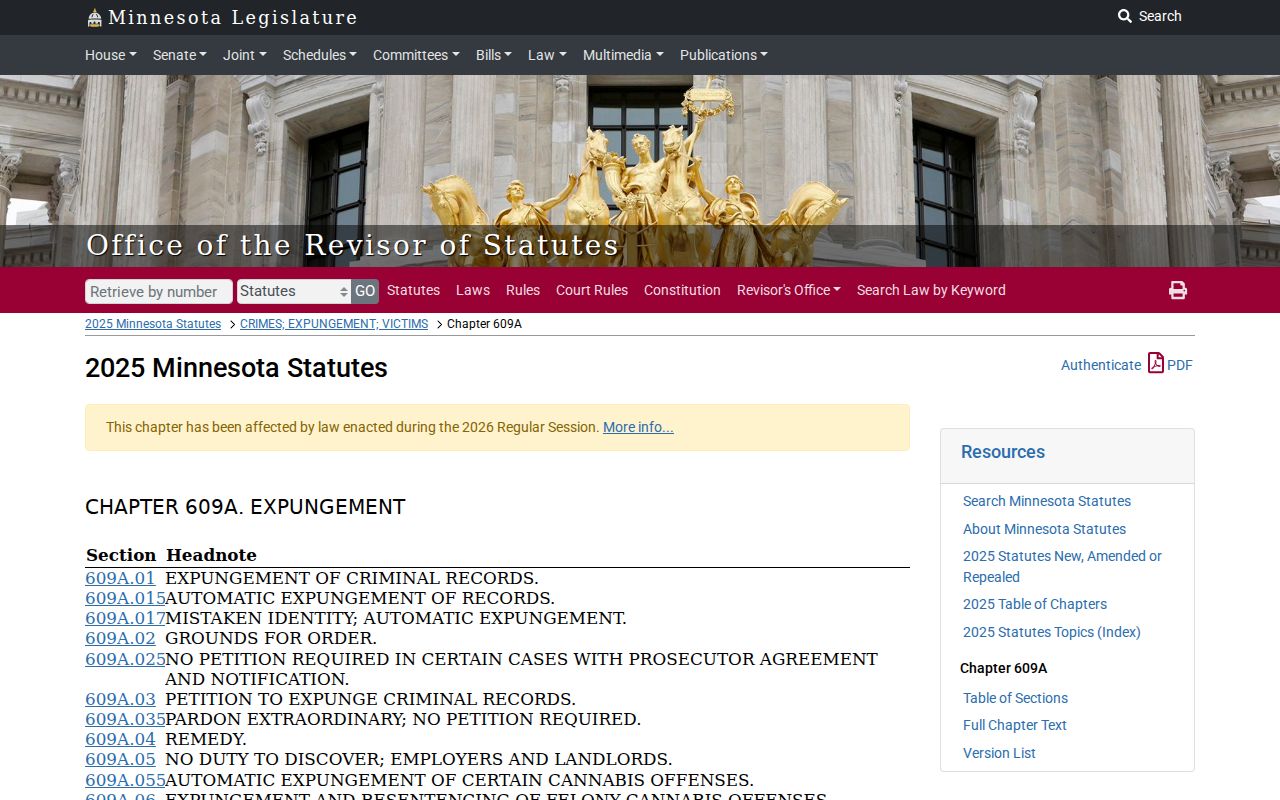
The statute's own text confirms the point. Access to sealed material follows the law and a court process, never an ordinary public search by name or case number.
Stevens County Case Lookup Documents
MCRO Document Search starts with the complete court file number, nothing less. Type it into the Enter Case Number field, then use Find Documents or Clear. There is no public name search here. There is no county picker, date range, login, or payment field. What it returns is public document and event information tied to a case you already know.
Documents viewed or downloaded through MCRO cost nothing. Free is not the same as certified, though. A certified or exemplified copy requires a request to Court Administration. State the case number and the item. Give its date or index number, the copy type, and the count. Say how you want it delivered.
Stevens County Case Lookup Hearings
Turn to MCRO Hearing Search when the question is an upcoming setting. It does not pull the whole case history. Search by name, case number, judicial officer, or attorney. Then narrow the results by hearing date, category, and Stevens County location. The official Stevens daily calendar offers a second public hearing source. Its fields cover Party Name, Hearing Location, Hearing Date, Time, Judicial Officer, and Hearing Type. Connection Type and Case Number round out the list.
That calendar updates during the business day and leaves out confidential and restricted matters. For a date or format change, check the fresh calendar or ask Court Administration. Keep the distinction in mind. A hearing record shows a schedule. The Register of Actions lays out the fuller sequence of events in a case.
Stevens County Case Lookup Judgments
MCRO Judgment Search runs on exact or Sounds Like debtor-name modes, with docketed-date controls, judgment status, and statewide or county filters. In exact mode, the same trailing wildcard rule applies after two characters. Sounds Like mode does not allow it. Results can show docketed judgment details and satisfaction information when it exists.
Certified work is a separate track. The local court administrator performs the statutory exact-name judgment search, and the current Stevens fee table sets it at $5 per name. A portal result serves public research well. It is not a certification.
Stevens County Case Lookup Terminals
When MCRO falls short, head to the Stevens County courthouse public terminal. A record that needs certification goes there too. You can also call Court Administration. Minnesota Judicial Branch guidance notes the terminal may show a more complete view than remote MCRO. Confidential, sealed, juvenile, and other restricted records stay restricted either way. The courthouse sits at 400 Colorado Avenue, Morris. Court Administration answers at 320-349-7010 for record routing.
For the governing law, Minnesota Government Data Practices Act chapter 13 sets the general public-data baseline. Still, the specific court rule controls access in many cases. That rule, statute, or sealing order is what actually governs a court record.
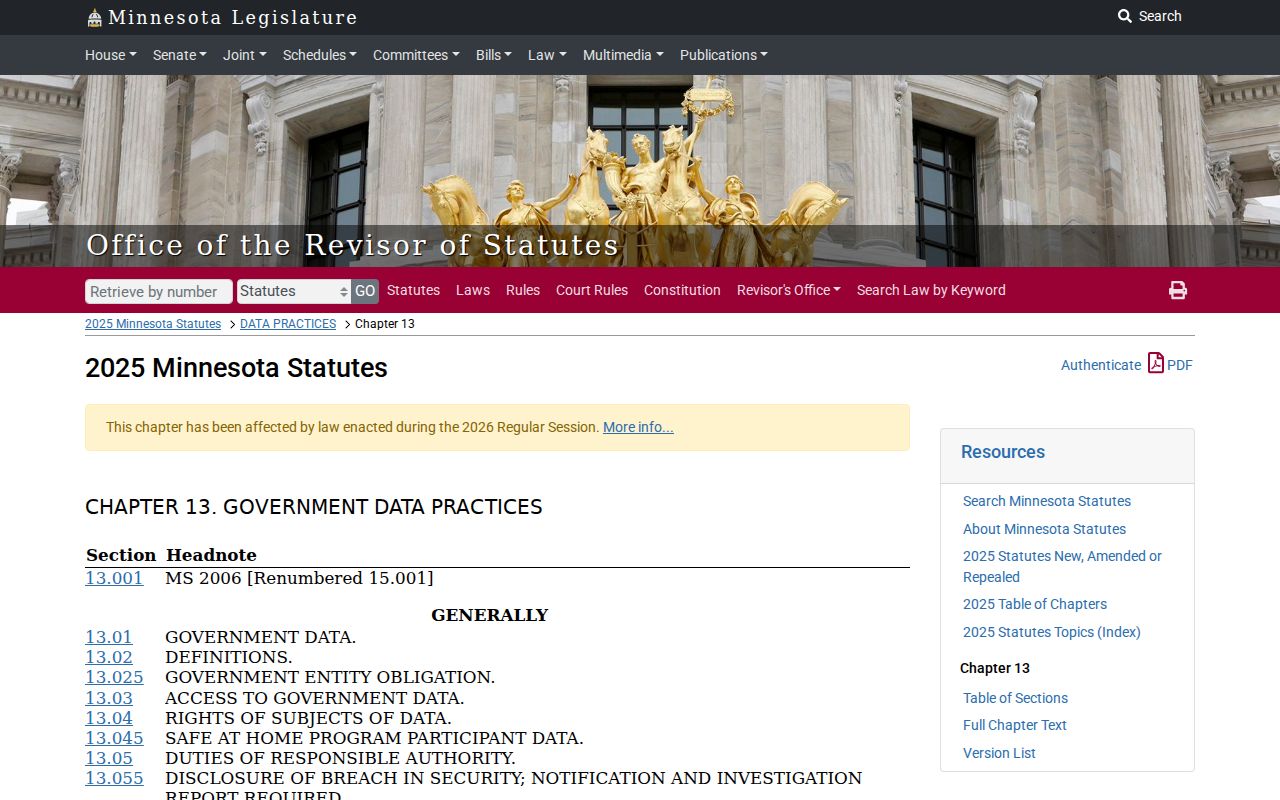
Mail works too. Send a written request to Stevens County Courts, 400 Colorado Avenue, P.O. Box 530, Morris, MN 56267. Include the complete file information and ask whether the item sits in the remote system, at the terminal, or in the local paper file.