
Getting Stevens County Court Records
Stevens County District Court handles the county's civil, criminal, family, probate, juvenile, traffic, conciliation, and judgment records. Court Administration keeps those files. Minnesota law gives the court administrator the clerk-of-district-court function. The county names Rachel Schmidt as Court Administrator and Clerk of District Court. Ask that office for a local file, a certified copy, or a certified judgment search. Ask it too for a paper record, or anything you cannot see online.
Have a full court file number ready if you can. Without one, give the case type, party names, and a helpful filing or hearing date. Say which document or date range you need. Also say whether the copy should be plain, certified, or exemplified. Court Administration sits in the Stevens County Courthouse at 400 Colorado Avenue, Morris, MN 56267. The published phone number is 320-349-7010. The Judicial Branch lists regular hours of Monday through Friday, 8:00 a.m. to 4:30 p.m.
Stevens County Court Administration
Stevens County Courthouse
400 Colorado Avenue
Morris, MN 56267
320-349-7010
MCRO Tools for Stevens County Records
Minnesota Court Records Online, or MCRO, is the public remote starting point for a Stevens County case. Pick Stevens in the county controls to narrow a statewide search. Case Search works by name, case number, citation number, or attorney. A case number is often the cleanest route. It sidesteps spelling variations and name-search limits.
The system also splits record tasks. Document Search finds eligible public documents by complete case number. Hearing Search covers scheduled appearances. Judgment Search returns docketed judgment information. Each view helps, but none of them produces a certification.
| MCRO tool | Best Stevens County use | Important limit |
|---|---|---|
| Case Search | Locate a case and its Register of Actions | Remote information is unofficial and may be limited |
| Document Search | Find eligible public documents by case number | A full case number is needed |
| Hearing Search | Check a scheduled court event | A setting can change |
| Judgment Search | Review public docketed judgment details | It is not a certified local search |
Court Record Types
A single Stevens County case can offer several public record products. The Register of Actions is the chronological event history. A document file holds the pleadings, orders, judgments, and other papers the access rules allow. The judgment roll and judgment docket are separate statutory records. A daily calendar lists selected hearings only, not a full file history.
Minnesota Statutes section 485.07 makes the court administrator keep a register of actions, judgment roll, judgment docket, and indexes. That is why a name search, a document request, and a certified judgment search can return different results. State appeals run through the separate Minnesota appellate case search, since an appeal never appears in the Stevens County District Court record on MCRO.
- Register of Actions
- The case event history, including filings, proceedings, and entries.
- Judgment docket
- An indexed record of docketed judgments and related entry information.
- Certified copy
- A court-authenticated copy issued through Court Administration.
- Exemplified copy
- A copy with additional court authentication for a use that requires it.
Stevens County Register of Actions
Under Case Details, MCRO may list public events and document links. The portal calls that view the Register of Actions. Read both. An entry can mark a filing, hearing, order, or disposition event. The linked public document holds the actual text. A calendar listing is narrower still. It only reports a scheduled appearance, and it can shift during the day.
What appears remotely depends on case type, filing date, Rule 8, and any order governing access. The Judicial Branch also points to courthouse public-access terminals when remote MCRO falls short. A terminal cannot lift a restriction. Still, it may be the right next step for a public record that is not available remotely. Keep the full case number handy and ask the clerk which local record source applies.
Minnesota access-to-records guidance sorts out the differences among MCRO, courthouse terminals, and local court files. Follow that route rather than a generic government-data request meant to bypass court rules.
Inside a Stevens County Court Record
A public Stevens County court record usually shows the court file, the case category, listed parties, docket events, and available public documents. A hearing result can add the date, time, judicial officer, hearing type, connection type, and case number. The exact fields vary with the record and the restrictions that apply to it.
| Case number | The full court file identifier, often beginning with 75 for Stevens County. |
|---|---|
| Case category | Examples in local materials include criminal, civil, family, probate, juvenile, and traffic or violation matters. |
| Register entry | A dated court event such as a filing, hearing, order, or judgment entry. |
| Public document | An eligible document linked from the case record, if remote access is allowed. |
| Hearing details | Scheduled date, time, location, judicial officer, hearing type, and connection type where posted. |
Treat a status or event label as an index term, not a conclusion about the case. When you need an official result or a court-authenticated document, request the item from Court Administration.
Stevens County Case Number Clues
Stevens County numbers commonly start with county code 75, then a case-type code, a year, and the filing position. Local calendar examples include 75-CR-26-..., 75-CV-26-..., 75-FA-25-..., 75-PR-24-..., 75-JV-26-..., and 75-VB-26-.... Treat CR, CV, FA, PR, JV, and VB as search clues only, not a promise about access or outcome.
Type the complete number exactly as it appears on a notice, calendar, or court document. Keep the hyphens, and do not assume a legacy or transferred case follows the same pattern. The county's payment instructions warn that a case-number lookup may need the 75 prefix. A complete number also sharpens a copy request.
Fees and Certified Copies
What you pay comes straight from the Stevens County district-court fee table. MCRO downloads cost nothing, and listed plain copies are free too. A certified copy is different. The court authenticates it, and exemplification adds an even stronger layer of authentication. Transcripts are a separate animal entirely. That is a written record of a hearing. Ask for it by case number, hearing date, and the presiding judge.
| Stevens County record service | Captured fee | Use |
|---|---|---|
| Uncertified copy, printout, scan, or screen print | $0 | Plain public copy or MCRO download |
| Certified copy or certified system print | $14 | Court-authenticated document |
| Exemplified plus certified copy | $28 | Additional authentication |
| Certified judgment search, per name | $5 | Exact-name search under section 485.06 |
| Transcript of judgment issued or docketed | $40 | Separate judgment record service |
Court Administration can give you a current transcript estimate. No Stevens-specific reporter rate is on file, so assume no transcript price beyond the docketed-judgment service.
Stevens County Copy Request Choices
The statewide copy-request instructions lay out several routes that all work. You can ask at Court Administration in person. You can call 320-349-7010 for case-specific routing. Or mail a finished request with payment to the court where the case was filed. The form itself wants your contact details, the case type, the file number or whatever you know, the parties, the item you need, its date or index number, the copy type, how many copies, and how you want them delivered.
- Locate the most complete case number or describe the record by type, parties, and date.
- Check MCRO first for a no-charge public view or document.
- Choose plain, certified, or exemplified copies before submitting the request.
- Ask Court Administration for the fee and whether a public terminal or local paper file is the better source.
- Use mail, counter service, or an electronically transmitted request only where the court documents that route for the record.
Delivery of plain, non-confidential materials can go by mail, pickup, fax, email, or prepaid carrier. It depends on what the form offers. Minnesota eFile and eServe works differently than people assume. It exists for parties and attorneys to file and serve documents. It is not for the public to search cases. Unless Court Administration documents that submission method for your particular request, do not treat it as a substitute for a public-record request.
Sealed Records and Public Access
Not everything stored in a court file counts as public court information. Rule 8 allows inspection at the normal business location, within its terms and limits. It governs remote access too. Some things stay out of the routine remote view. Those include protected identifiers, private addresses, financial account data, and identifying details about jurors, witnesses, and victims. Family, juvenile, civil-commitment, protective-order, and similar categories carry extra limits. A sealed or confidential record does not open up just because you hold its case number. The documented path is the CON100/CON101 process or another case-specific form or order. CON100 is not the adoption-record form. And remember what MCRO itself says: remote results are not official records and can be incomplete. An empty online result proves nothing about what the file holds.
Stevens County Remote Access Limits
Start with the rule that governs court records, not the general public-data baseline. Minnesota's Chapter 13 builds the framework for government data generally. But court records answer to more specific court rules and statutes, and those control access. That distinction matters. It keeps a local request pointed at the right office, so you never ask a county employee to release something a court rule or order restricts.
Governing court-record rules:
Minnesota Rule 8 defines public court records, remote access, exclusions, copies, and related terms.
Minnesota Rule 4 provides special accessibility treatment for some protected-order records.
Minnesota Statutes section 485.07 identifies the records kept by the court administrator.
Minnesota Statutes chapter 13 supplies the general public-data baseline, subject to the court-specific rules.
Minnesota language-access plans set out the Judicial Branch framework for court users who need language assistance.
Language access runs through the court system and does not loosen the public-record restrictions on a Stevens County case file. Minnesota jury-service information covers another piece of the Judicial Branch's courthouse process.
Identifying details about jurors and witnesses stay protected in routine remote court-record access. For paying eligible citations and court balances, Minnesota CourtWebPay is the official payment portal.
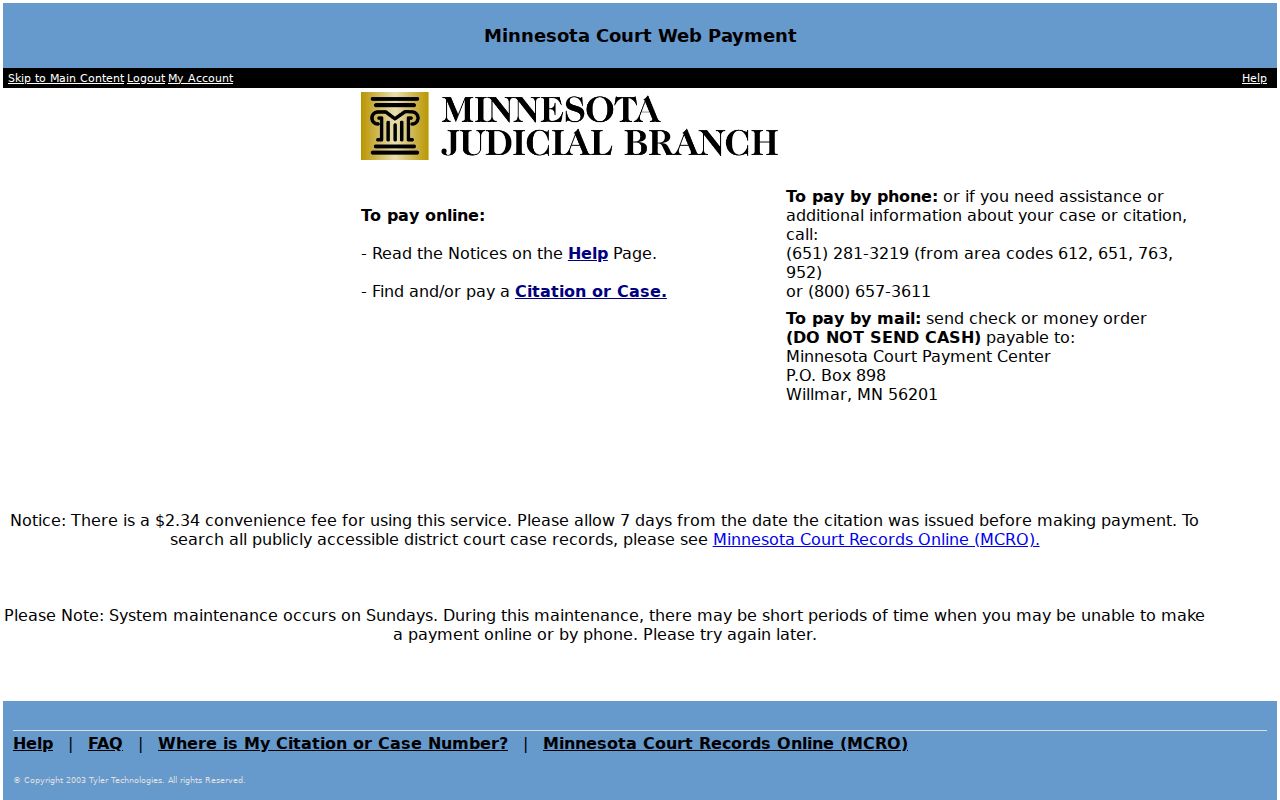
A payment confirmation is one thing; a certified Stevens County court record is another. That certified copy still comes from Court Administration.