
Searching the Hancock Court Docket
Hancock court records live in two places: Minnesota Court Records Online, called MCRO, and Stevens County District Court. No Hancock municipal court or city ticket portal exists. Every filed case goes through the county. That covers civil, criminal, family, probate, juvenile, and traffic matters alike. MCRO Case Search lets you look by name, case number, citation number, or attorney. You can narrow results to Stevens County within the statewide tool.
The most precise route is a full case number. Need a certified copy, a restricted-record request, or a case that won't come up remotely? Court Administration is the local answer. Visit the office at Stevens County Courthouse, 400 Colorado Avenue, Morris, MN 56267. Or call 320-349-7010. Staff there can also sort out local filing questions.
- Save the full Hancock-related case number or citation number from a court document or ticket.
- Open MCRO Case Search and use the number mode first when it is known.
- Select Stevens County in the location controls for a county-focused result.
- Read public event history and public document links separately in the Register of Actions.
- Ask Court Administration about an official copy, a courthouse terminal, or a record with an access limit.
Hancock Court File Number Search
Stevens County Hancock court file numbers usually open with the county code 75. After that comes a case-type code, the year, and the filing position. The local type codes are easy to learn. CR stands for criminal, CV for civil, FA for family, PR for probate, and JV for juvenile. VB covers traffic or violation-style cases. A Hancock case can carry the Stevens County number even though the parties live in Hancock.
Copy the number exactly as issued, prefix and hyphens included. Older or transferred cases sometimes break the pattern. Don't force a rigid format onto a Hancock court notice. Lost the number? A name search works as a fallback. But MCRO has search limits. A failed name result is not proof that no Hancock case exists.
| Known item | Hancock court search use | Next route |
|---|---|---|
| Full 75-... court file | Direct MCRO case and document search | Use it on a copy request |
| Citation number | Traffic citation mode or eligible payment lookup | Check entry time before assuming it is absent |
| Party name | Fallback MCRO name search | Confirm limits with Court Administration |
| Hearing date | MCRO Hearing Search and daily calendar | Verify a change with the local court |
Hancock Municipal Court Basics
The city runs no separate Hancock municipal court. No Hancock docket portal appears in the county or Judicial Branch sources either. That says nothing about local ordinances or city administrative processes. It only means one thing. Public case research should start with the unified Stevens County District Court, not with any claimed Hancock court database.
The official county table puts Hancock's 2020 population at 840. That makes it the second-largest incorporated city in Stevens County. An undated county profile lists a lower figure of 765. Either way, a countywide court structure is the practical setting for Hancock court records. The city channel and the court channel stay separate. The event may have happened inside Hancock.
The City of Hancock official portal is the starting point for city-government business.

The Hancock city portal covers municipal needs. A filed court case, though, stays in the Stevens County court-record system.
Hancock City Minutes and Court Records
Hancock's meeting and information page is a municipal record, not a docket. City minutes can capture council votes. They may also record local agreements or ordinance activity. What they cannot do is prove a District Court case exists. A Hancock city document sometimes lists a full court file number. Run it through MCRO if so. Then confirm it with Court Administration. The Hancock meetings and minutes page is the official home for that city record category.
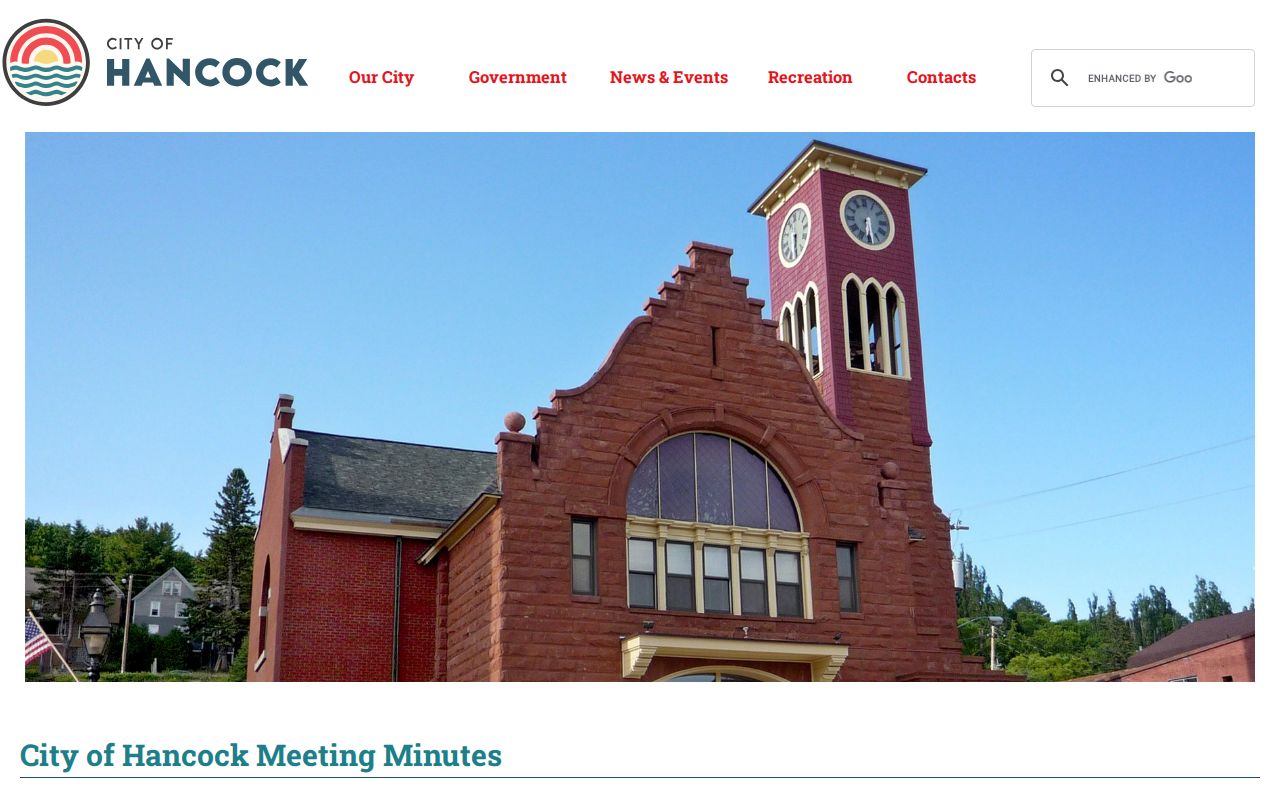
Hancock meeting information adds municipal context. It never becomes part of the court Register of Actions. Keep the two record systems straight.
For city administrative material, write the Hancock city contact: P.O. Box 68, 662 6th Street, Hancock, MN 56244, phone 320-392-5285. For a court case, use MCRO. Or use the Morris Court Administration office.
Court Dates and Settings in Hancock
Where does a Hancock District Court date show up first? On the ticket or court notice itself. From there, MCRO Hearing Search can search by name, case number, judicial officer, or attorney. Stevens County and date filters are built in. The Stevens daily calendar adds another public view of scheduled Hancock hearings. Treat it as a supplement, though. It is not a full case index. Court scheduling can shift it at any time.
| Case number | Full Stevens County file number, frequently beginning with 75. |
|---|---|
| Hearing date | The scheduled setting shown in a court notice, Hearing Search, or calendar. |
| Time and location | Calendar details for the posted court appearance. |
| Hearing type | The event label, such as an arraignment, motion, hearing, or trial setting. |
| Connection type | The posted format field when available on the calendar. |
For a question about one Hancock case, call Court Administration. A listed setting is not a promise the hearing stays put. And an omission from the calendar never means a hearing was canceled or that no Hancock court case exists.
Hancock Court Access in Morris
A Hancock lookup sometimes needs more than a screen. The single Stevens County courthouse in Morris is the escalation point. The Judicial Branch offers a public calendar and public-access terminals there. Court Administration handles record questions and certified copies. Countywide access doesn't mean every search must start in person, though. If the public MCRO search answers the question, use it first.
For an official or unavailable record, come prepared. Gather the court file number if known. Note the case type, the parties, and the document or date range. Decide the copy type you want. Court Administration can explain the Hancock fee and delivery details. Mailed copy requests follow the Minnesota Judicial Branch process. A general Hancock city records request won't bypass the court rules that govern the file.
Traffic Tickets in Hancock
A Hancock traffic citation becomes a court record once filed. It then travels the Stevens County District Court traffic route. MCRO lets you search by Citation Number or by Case Number. CourtWebPay handles payment for an eligible citation or court file. But paying there is not the same as answering the court. It is not a docket, and it is not a general response form either. Expect a wait. The Stevens County page warns a citation can take up to 20 days to enter the system, so hold onto the ticket and its instructions until a result posts.
No single deadline or fixed penalty table applies to every Hancock ticket. Follow the ticket, and call Court Administration with a case-specific question. The countywide traffic tickets resource explains the difference. It separates public court-record access from a payment transaction.
Hancock Traffic Citation Entry Time
That 20-day local warning is the safer planning number, since it sits well past the seven-day statewide payment note. If a deadline is close, call Court Administration rather than assuming a citation that has not posted is somehow resolved. Once a court file exists, write down the full number, keeping the 75 prefix and every hyphen.
Payment and court response are different tasks: CourtWebPay can process an eligible payment identifier, but a court appearance or contest still has to follow the ticket and local court instructions. Paying is not a substitute for responding to the court.
Hancock drivers facing a no-proof-of-insurance allegation can submit proof by fax, by mail, or at the local court. The ticket plus evidence must show coverage at the relevant time. That submission is evidence only. It does not promise any particular outcome.
Where Hancock Cases Go
A Hancock city record and a Hancock court record take separate paths. A filed Hancock case lands in Stevens County District Court. The County Attorney lists Hancock among the cities whose criminal prosecutions and civil matters it handles. That ties Hancock to countywide court business. Still, not every city matter or council action becomes a District Court case.
Record flow: Hancock city action or citation › Stevens County District Court record, if filed › Minnesota Court of Appeals record, if appealed.
The Sheriff runs countywide patrol, transport, records, communications, and civil process. So a Hancock court file and a sheriff record can grow from the same event yet stay distinct records held by different offices.
Hancock Court and County Offices
Before making a Hancock request, figure out which office actually holds the record. Court Administration keeps the District Court file. The County Attorney's office handles countywide prosecutions and civil matters. The Sheriff's office carries its own public-safety and administrative records. Hancock city government keeps city administration material. Name the record type up front. No single agency holds every document from one event.
Neighboring Chokio works the same way. Its City of Chokio portal shows the kind of city-government information a small municipal site posts.
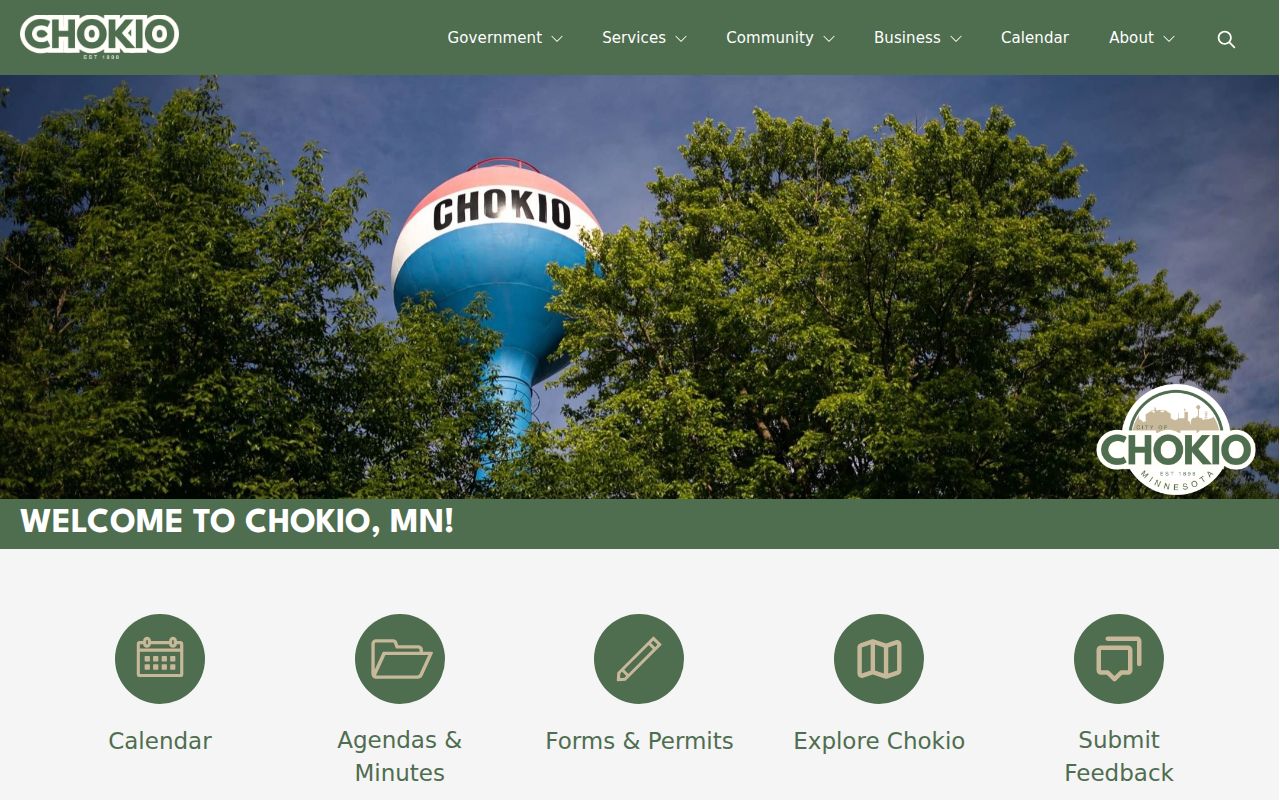
Like Hancock, Chokio puts out city information through city channels. Stevens County court records, though, run through the county court system rather than any separate city docket portal.
Hancock Court Record Access Rules
Hancock-related District Court records answer to Minnesota court-access rules. Rule 8 sets the framework for what is public, remote access, inspection, copies, and exclusions. Remote MCRO searches can omit protected identifiers and restricted categories. Material that is simply not online can be omitted too. The courthouse terminal may give a fuller Hancock public search, though restrictions still apply.
Knowing a case number does not unseal a sealed or confidential record. The documented process can require CON100/CON101 or another case-specific form or order. CON100 is not the adoption-record form. MCRO itself calls its online information unofficial and incomplete. A remote result is therefore neither a certification nor a final access ruling.
Hancock Court Access Boundaries
Minnesota Statutes chapter 13 sets a general public-data baseline, but court-access rules and statutory court-record duties control a Hancock court file. That is why an administrative request to the city or county cannot bypass a Rule 8 restriction, a Rule 4 protection, or a sealing order. Take city material to Hancock city government. Take the court record to Court Administration.
Key Hancock court-access rules:
Minnesota Rule 8 governs public court-record access and remote exclusions.
Minnesota Rule 4 covers special accessibility provisions for certain protected-order records.
Minnesota Statutes chapter 13 provides the general public-data baseline, subject to court-specific authority.
For a certified Hancock-related court copy, gather the case number, the document, and your delivery request before contacting Court Administration. The current Stevens fee table lists $14 for a certified copy of an instrument.