
Stevens County Court Calendars Explained
Start with the Stevens County District Court public calendar. It comes out weekly and daily, and it lists selected public hearings. That is all it is. Confidential matters, Rule 8 restricted matters, and other cases may be left off entirely. An empty calendar tells you nothing about the full file. Treat a calendar result as the hearing information the court made public, not as proof that every case or filing is displayed.
A Stevens County court docket entry and a calendar entry are different animals. The calendar helps you find a public setting, a court location, or a judicial officer. MCRO Hearing Search gives a statewide view you can narrow to Stevens County. For the longer chain of filings and events, the Register of Actions is the record that matters.
Keep expectations straight about what the calendar cannot do. It does not certify records. It cannot prove a document is public. It also cannot show that a case has ended, or that a listed party got a particular outcome. Need a public document? Use the case number in MCRO Document Search. For a certified record or a question about a local paper file, call Court Administration. Keep the calendar separate from the case record. That keeps a scheduling search from being mistaken for a full file review.
Stevens County Court Calendar Posting Times
Here is the Stevens County court calendar schedule. The weekly public calendar posts at 7:00 a.m. each business day and gets updated hourly. That makes the online PDF a strong current reference, but a saved copy can go stale by lunchtime. Printed calendars outside the courtrooms and in the public lobbies are described as the most current version. Whenever you use a calendar entry for research or a case file, note the retrieval date.
Day-to-day changes can touch the cases, the judges, or the courtrooms. So read a Stevens County court docket calendar as a live schedule. It is not a promise. If a party needs confirmation of a changed time, courtroom, or connection method, contact Court Administration. An earlier copy will not do.
Current calendar rule: The public PDF can change hourly, and the printed courthouse calendar may be newer. Confirm a case-specific change with Court Administration.
Finding Your Court Date
Pick the route that fits what you already know. A full court file number is usually the most precise search term. Name, attorney, and judicial-officer searches work when the number is not available. The local calendar gives a quick public schedule view. MCRO Hearing Search is built for a hearing-specific lookup. Neither one promises the setting will happen exactly as displayed, so confirm anything critical with the court before you rely on it.
- Check the official Stevens calendar for the listed public hearing, using the case number when it is available.
- Use MCRO Hearing Search by case number, name, judicial officer, or attorney, then narrow the location to Stevens County.
- Review the case's Register of Actions in MCRO Case Search for related public events and the full court file number.
- Call Stevens Court Administration at 320-349-7010 when the online view is incomplete or a local change needs confirmation.
- At the courthouse, check the public-lobby or courtroom printed calendar, which the local court identifies as the most current schedule.
The local court sits at 400 Colorado Avenue in Morris. Court Administration is the authoritative local contact for a particular case. One caveat: restrictions can limit what staff may disclose about a nonpublic matter.
Stevens County Court Calendar Hearing Search
MCRO Hearing Search gives you four ways in: Name, Case Number, Judicial Officer, and Attorney. Pick Name and you get two matching styles, Exact Name and Sounds Like. Exact lets you add a wildcard after two characters; Sounds Like does not. You can search one hearing date or a range. Filter by Civil, Criminal, Family, or Probate or Mental Health case types, and narrow by county. For a Stevens County court docket, choose Stevens under the S group. That keeps the statewide results focused.
What Hearing Search shows is what has been scheduled, nothing more. Deeper case detail often sits in the Register of Actions instead. A hearing result is a setting, not an outcome. It can change after you find it. When nothing comes back, the case may be restricted, or the record may have been updated later. Your search may also need the full case number.
| Search field | Best use | Local note |
|---|---|---|
| Case Number | Known Stevens case | Preserve the full 75-prefixed number and hyphens |
| Name | No file number available | Exact and Sounds Like work differently |
| Judicial Officer | Schedule tied to a court official | Combine with date and Stevens location when useful |
| Attorney | Case route through a listed lawyer | Use with the category and date controls where needed |
How to Read a Court Setting
A court setting on the Stevens County calendar comes with a small set of fields. The case number ties the entry back to the Register of Actions. Hearing type names the event itself, and Connection Type tells you how it is listed. Party information sits apart from those logistics. Read it separately. A date on the docket is not a ruling. A label is not a final case status.
| Party Name | The public party listing shown for an eligible calendar entry. |
|---|---|
| Hearing Location | The listed court location for the setting. |
| Hearing Date and Time | When the public calendar shows the setting is scheduled. |
| Judicial Officer | The official listed for the hearing. |
| Hearing Type | The scheduled event label, such as arraignment, motion hearing, review hearing, or sentencing. |
| Connection Type | The format information shown for the hearing. |
| Case Number | The full court file identifier, commonly beginning 75- for Stevens. |
Stevens County Court Calendar Connection Types
Connection Type earned its own column for a reason. The change came in 2025. Minnesota district courts changed how hearings are set by default, so a Stevens County hearing may be in person or remote depending on the case type and the court's direction. The calendar's connection field shows the format listed at publication. For firm confirmation, check the case instructions or ask Court Administration directly.
The Judicial Branch hearing-change notice explains the statewide setting framework. It took effect in February 2025. The Minnesota court rules index is the official source tied to this record-access image.
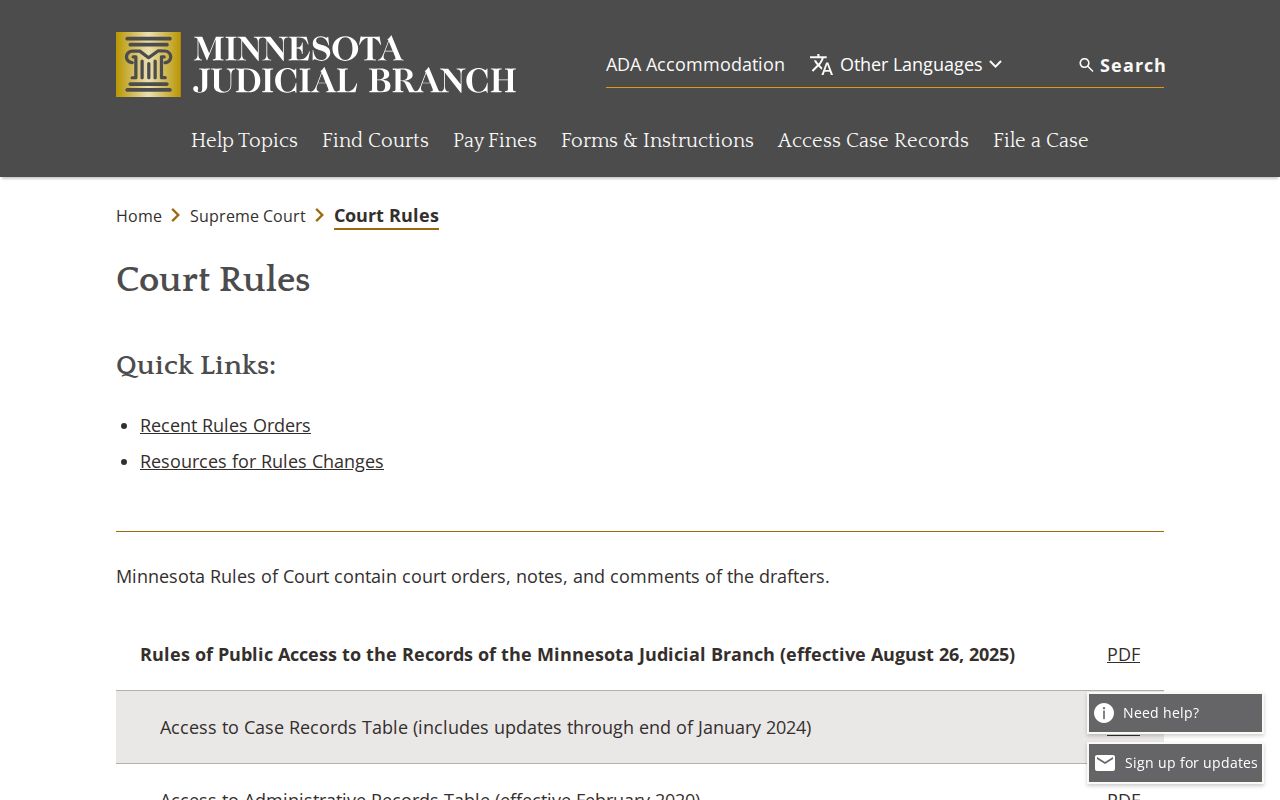
Calendar formats and hearing procedures shift over time. Confirm what the docket lists against the case-specific details the court gives you.
Adults with criminal, traffic, or juvenile matters may qualify for statewide eCheck-In before an appearance. It handles logistics only. It is not a docket search, and it never authorizes skipping a hearing. The eCheck-In notice is blunt on this point. A participant must still attend and identify as instructed. For real scheduling facts, the listed Connection Type and the case-specific directions are what count.
Continuances, Resets, and Cancellations
A continuance, reset, or cancellation moves a setting. It is not a dismissal. It is also not a final result. On a Stevens County court calendar, an updated schedule can look quite different from the first posting. It may show a new courtroom, judicial officer, date, or connection type. Want to trace public case events around a changed setting? The Register of Actions tells a cleaner story.
Think a court date moved? Pull the fresh daily calendar and run a Hearing Search first. Then call Court Administration to confirm current local information. The public PDF carries a warning worth remembering: it does not include every matter. Something missing might be restricted. It could also be left off the public posting or handled through a different case event.
Before calling about a Stevens County court calendar question, write down the specifics. Note the full court file number, the date you saw, the hearing type, and the time you pulled it up. Those details let staff tell a genuine schedule change from a search mismatch. They also keep your question tied to the local case rather than a broad name search. The calendar is a fine starting point. When listed logistics stop matching a notice, though, Court Administration is the confirming voice.
Stevens County Court Calendar Record Boundaries
A public hearing listing does not unlock its whole court file. Minnesota Rule 8 governs the Register of Actions, calendars, indexes, and remote access. It also shields private identifiers and restricts certain records. The Stevens PDF says so directly. Confidential and Rule 8 restricted matters are left out. The PDF is also not a public index. It does not list every pending case, every document, or every same-day court action.
That boundary matters in two common spots. One: a case shows in MCRO but a document does not. Two: a public calendar shows no trace of a matter at all. Work from the public fields actually posted. Then ask Court Administration about a permissible record request or the proper restricted-access route. A courthouse terminal can show more public material than remote MCRO. Still, it cannot override sealing, confidentiality, or case-type limits.
Stevens County Court Calendar Hearing Labels
Labels tell you why a setting exists. The Stevens calendar sample shows Review Hearing, Motion Hearing, Arraignment, First Appearance, Pre-trial, Initial Appearance - Rule 8, Scheduling Conference, Probate Hearing, Settlement Conference, Omnibus Hearing, Court Trial, Evidentiary Hearing, Sentencing, and Plea Hearing. Treat that as sample vocabulary. It is not a complete list of court event codes.
- Arraignment
- A listed criminal court appearance concerning the charge and plea process.
- Motion Hearing
- A setting on a request for a court order or other relief.
- Scheduling Conference
- A court setting used to organize later case activity.
- Sentencing
- A listed event after the stage at which the court may impose sentence.
A label describes the schedule, nothing more. For the event's procedural result, look to a related order or the Register of Actions.
If You Miss a Court Setting
Start with the ticket, court notice, or case instructions. Then call Stevens Court Administration promptly about current case status and the right next step. An online calendar or reminder is not official notice. The Minnesota eReminder service helps enrolled users, with a caveat. The Judicial Branch is blunt on this point. A missed reminder does not excuse attendance. It does not replace a court notice.
Important: Do not assume an absent online calendar entry means the matter was canceled. Check the current schedule and contact Court Administration for the case-specific status.
Restricted, confidential, and Rule 8 subdivision 2 matters may stay off public posting. Court staff can share permitted routing information. Any nonpublic record still answers to the applicable rule, statute, or court order.